World Password Day: Are Your Business Passwords Actually Protecting You?
World Password Day is May 7, 2026. Learn why passwords alone aren’t enough for small businesses and download a practical checklist for MFA, password managers, and identity controls that reduce credential-based risk.


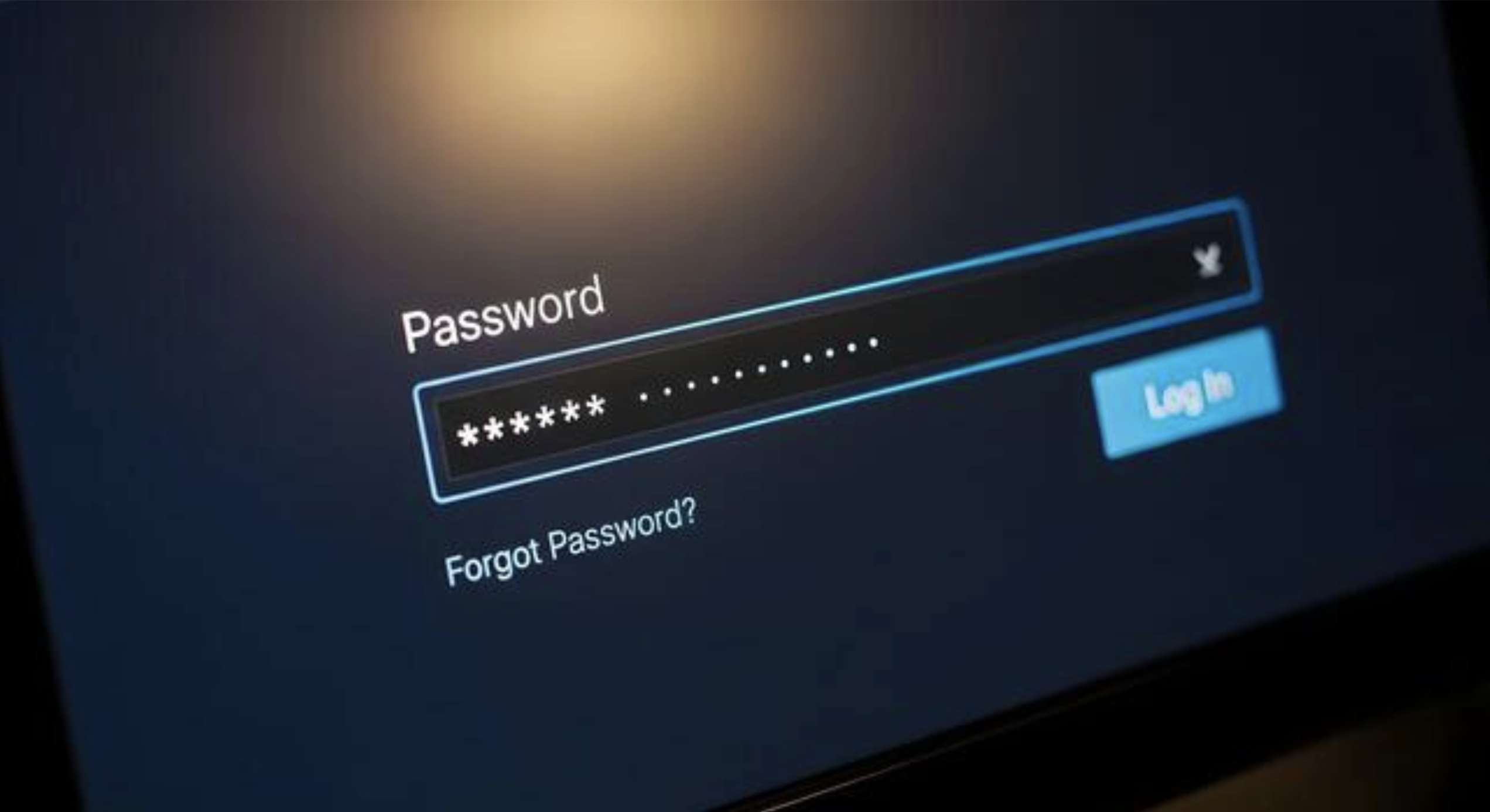
This year, World Password Day lands on Thursday, May 7, 2026, and we want it to be a useful reminder for small and medium-sized business (SMB) leaders: while passwords are still everywhere, passwords alone are not what keep modern businesses safe.
If your security plan is mostly “we have strong passwords,” you are likely exposed in the places that matter most: email, cloud apps, financial tools, vendor portals, and the admin accounts that connect everything.
This guide is built for busy teams. It’s the practical middle ground between “do nothing” and “turn your business into a full-time security project.”
Why “strong passwords” are no longer a complete strategy
Passwords are not useless. They are just overloaded.
A single employee may have logins for:
- Email and cloud storage
- CRM and support tools
- Banking and payroll
- Marketing accounts like Google Business Profile, ads, and analytics
- Vendor portals and third-party apps
It only takes one reused password, shared login, or a small oversight to open the door to much larger access in today’s connected environments.
More companies are integrating their IT and operations technology (OT) systems because it enables them to work more efficiently, gain real-time insights, and improve customer service. However, this interconnectivity also increases the prevalence of cyber risk.
As the Cybersecurity & Infrastructure Security Agency (CISA) states, “With the hyper-connected environment of IT and OT and its usage becoming more complex, especially with the advent of 5G and Internet of Things, so are the prevalence of cyber risks. …The consequences of a cyber incident can extend beyond the initially targeted organization to its larger ecosystem of vendors, supplies, and customers.”
Password problems rarely look like “password cracking.”
Most real-world credential incidents happen because:
- Credentials were reused from a previous breach
- A phishing email captured a login
- A shared password leaked outside the team
- An old account was never removed
- A mailbox rule or forwarding setting was abused after login
Which is why simply making passwords “stronger” is only one piece of the equation.
The biggest SMB risk is invisible access
SMBs usually do not lose sleep over passwords until they discover:
- Multiple people share one “admin” login
- A former employee still has access
- A vendor’s access was never turned off
- Passwords live in a spreadsheet or an inbox
- The same password protects multiple critical systems
World Password Day is a good time to turn invisible access into controlled access. We created this 6-step checklist to help you reduce your cyber risk. It also includes what to do in the first hour if you discover one of your business accounts has been compromised.
If you want help tightening password and identity controls as part of a broader security program, this is exactly what managed cybersecurity services are built to do.
Passwords are about access, but resilience is about recovery
A password program reduces the chance of an incident, but it doesn’t eliminate them.
Modern cybersecurity pairs identity controls with a recovery mindset:
- If an account is compromised, how quickly can you contain it?
- If files are deleted or encrypted, how quickly can you restore them?
- If an attacker changes settings, how quickly do you notice?
If you want a deeper read on the “recovery” side of the equation, our World Backup Day 2026 guide frames the difference between “having backups” and actually being able to recover under pressure.
Password questions SMB leaders ask every week
How often should businesses change passwords?
Change passwords when there is risk, not on an arbitrary timer. Rotate immediately after offboarding, vendor changes, suspicious activity, or confirmed compromise. Use unique passwords and MFA so you are not relying on frequent forced resets.
Are password managers safe for teams?
Yes, when deployed correctly. The risk is usually not the tool; it’s uncontrolled sharing. A team password manager with permissions, vault structure, and admin controls is significantly safer than ad-hoc storage.
Is MFA enough if we keep passwords the same?
MFA helps, but it does not eliminate risk. Password reuse, shared credentials, and unmanaged access still cause problems. MFA is a layer, not the whole program.
What about passkeys and passwordless login?
Passwordless can be excellent, but it still requires identity governance, device security, and recovery planning. Treat passwordless as an upgrade path, not a shortcut around access management.
How do we safely give vendors access without sharing passwords?
Use vendor accounts with limited permissions, time-bound access, and logging. If the platform supports it, require MFA and remove access immediately when the engagement ends.
What should we do about shared accounts we cannot eliminate?
If you cannot remove a shared account, control it. Store it in a shared vault, restrict who can use it, turn on MFA, and rotate it on a set schedule and after any staffing change.
Turn World Password Day into a permanent upgrade
Remember: strong password habits are not about memory. They’re about systems.
If your password security depends on perfect employee behavior, it will eventually fail. A better approach is building an identity control system that reduces risk by default, then supporting that system and your employees with monitoring, process, and recovery planning.
If you want a partner to standardize password management, identity controls, and the day-to-day security operations that keep it all consistent, explore managed IT services as the operational foundation for a healthier security posture.
From the blog
The latest news, technologies, and resources from our team.


Compare managed security services and in-house IT across 24/7 monitoring, expertise, tools, incident response, and cost as your business grows.
.jpg)
Ransomware can stop a growing business fast. Learn how attacks happen, what they really cost, and how layered security, backup, monitoring, and employee training reduce risk.

National Internet Safety Month is a smart time for SMBs to review employee cyber habits, phishing training, remote work risks, and the people-first processes that support stronger workplace security.
World Password Day is May 7, 2026. Learn why passwords alone aren’t enough for small businesses and download a practical checklist for MFA, password managers, and identity controls that reduce credential-based risk.

Green IT for business starts with efficient technology. Learn how managed IT, cloud migration, virtualization, and smarter hardware lifecycle planning can reduce energy waste, improve performance, and support sustainability goals.
March 31 is World Backup Day. Learn what a real backup and recovery strategy looks like for small and mid-sized businesses, and why "we have a backup" might not be enough.

In today’s threat landscape, protecting data requires more than strong passwords and multi factor authentication. One of the most overlooked aspects of cybersecurity is data deletion.
Cybersecurity isn't just about firewalls and antivirus software. It's about protecting the way your entire business operates.

Prosource Technologies has been recognized by Channel Futures on the 2021 MSP 501, a definitive global listing of best-in-class managed service providers.
.jpg)
No single tool can guarantee your network’s security. That's why we recommend a layered security approach to improve your organization’s cyber posture.